
You check your seller feedback count and it has gone down. No one told you why. It is one of the most common complaints in seller forums, and it happens to long-established sellers as much as new ones. Usually it is not a glitch, and it is not a penalty aimed at you. Amazon removes feedback and reviews for specific reasons, and knowing them tells you what you can do, and what you cannot. Here is why Amazon seller feedback disappears.
Quick Answer
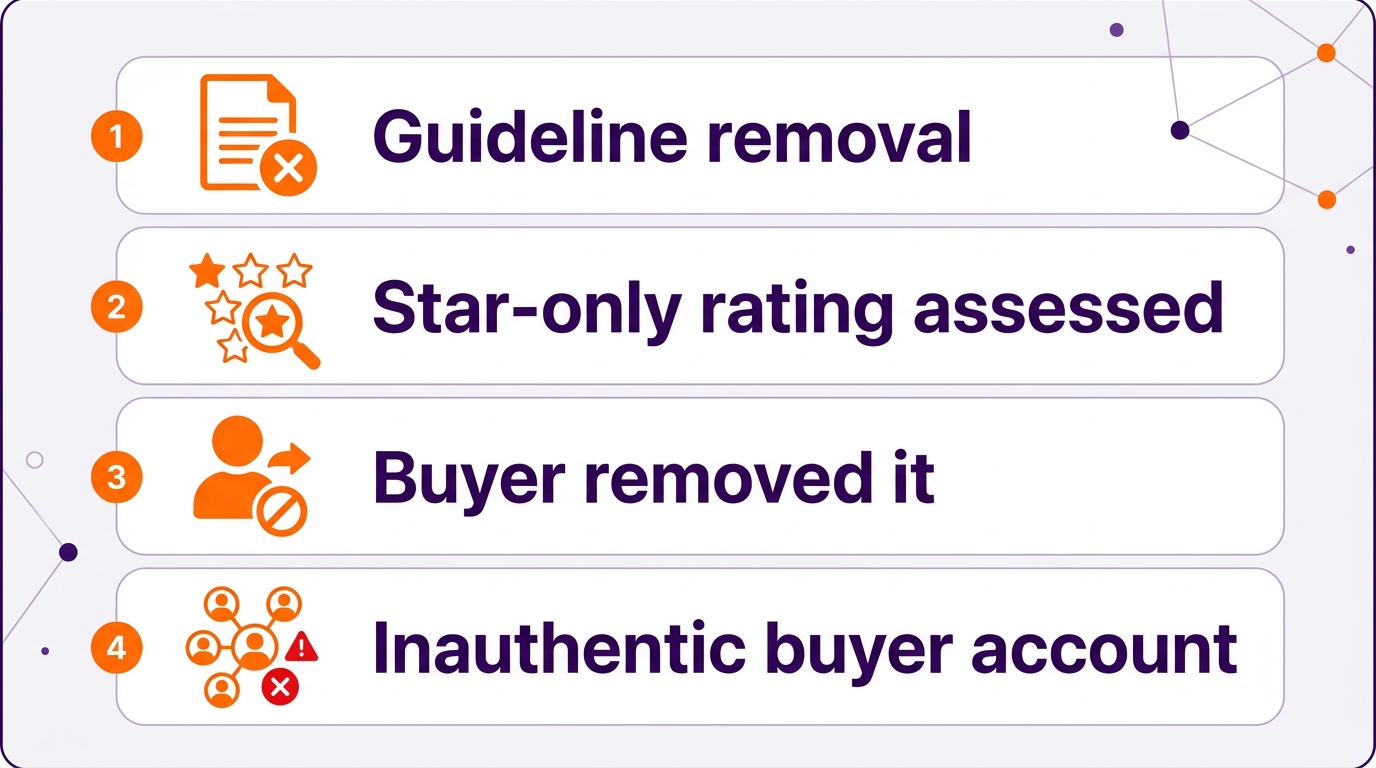
Amazon seller feedback usually disappears for one of four reasons: Amazon removed it for breaking its guidelines (for example, profanity, personal information, or a comment that is entirely a product review), a buyer removed it, star-only ratings were assessed for removal, or Amazon detected inauthentic activity on the buyer’s account and deleted all of that buyer’s feedback. Amazon generally does not explain individual removals. Seller feedback and product reviews are separate systems, so check which one changed.
Key Takeaways
- Seller feedback and product reviews are two separate systems.
- Amazon removes feedback that breaks its guidelines.
- If a buyer’s account is flagged as inauthentic, all of their feedback can be deleted.
- Amazon usually does not explain individual removals.
- Removal requests for negative feedback are judged strictly.
Table of Contents
- Feedback vs Reviews
- Why Feedback Disappears
- Removing Negative Feedback
- What You Can Do
- What Changed Recently
- When to Stop Worrying
- FAQs
Seller Feedback vs Product Reviews
Seller feedback rates your service on an order: shipping, accuracy, and customer service. Product reviews rate the product itself. They are separate systems with separate rules, and sellers often mix them up when counts change. Before investigating, confirm which one dropped.
Why Seller Feedback Disappears
- Guideline removals. Amazon removes feedback that includes obscene language, seller-specific personal information such as emails or phone numbers, or a comment that is entirely a product review rather than feedback on your service.
- Star-only ratings. Ratings left without a written comment are automatically assessed for removal when submitted.
- Buyer removal. Buyers can remove feedback they left, and cannot add new feedback for that order afterward.
- Inauthentic activity. If Amazon flags a buyer account as inauthentic, feedback and reviews that buyer left can be deleted across every seller, including genuine positive feedback on your orders.
Removing Negative Feedback
Sellers in the forums report that removal requests are now judged strictly. A comment that is even partly about your service, shipping, or item condition generally does not qualify as “only a product review.” Delivery complaints may be struck through when the order was fulfilled by Amazon or shipped on time using Amazon’s Buy Shipping. Requests go through Feedback Manager in Seller Central, and there is a time limit on how long after the feedback you can request removal.
What You Can Do
- Confirm which system dropped: seller feedback or product reviews.
- Request removal only when the rules clearly apply, and use Report a Violation for abusive comments.
- Keep your review practices clean. Never offer incentives for reviews or feedback. Use compliant tools like Request a Review and Amazon Vine.
- Reduce negative feedback at the source: accurate listings, realistic delivery promises, and fast responses to buyer messages.
- Watch your listing structure. Review counts can also shift when variation families change, even without any removal.
What Changed Recently
Amazon retired the old Customer Reviews page in Seller Central on September 30, 2025 and pointed sellers to the Voice of the Customer dashboard for monitoring. Seller forums also describe stricter handling of feedback removal requests through 2026. Amazon has not published one single change that explains every drop, so check your own account rather than assuming a policy change.
When to Stop Worrying
A handful of feedback removals over a year is normal and usually reflects Amazon’s cleanup of inauthentic accounts. It becomes a concern only if many ratings disappear at once or your account health changes. If that happens, check your account health and contact Seller Support with specifics.
Clean, accurate listings are the best defense against negative feedback. That is where our listing optimization work starts. See the results on our client results page.
Related Reading
Frequently Asked Questions
Why did my Amazon seller feedback disappear?
Common reasons are guideline removals, automatic assessment of star-only ratings, buyers removing their own feedback, and deletion of all feedback from buyer accounts Amazon flags as inauthentic. Amazon usually does not explain individual removals.
Can Amazon remove positive feedback?
Yes. If a buyer’s account is flagged for inauthentic activity, Amazon can delete all feedback and reviews that buyer left, including genuine positive feedback.
How do I remove negative seller feedback on Amazon?
Use Feedback Manager in Seller Central. Amazon removes feedback that contains obscene language or personal information, or that is entirely a product review. Delivery complaints may be struck through for FBA orders or orders shipped on time with Buy Shipping.
Are seller feedback and product reviews the same?
No. Seller feedback rates your service on an order. Product reviews rate the product itself. They are separate systems with separate rules.
Where can I see product reviews in Seller Central now?
Amazon retired the Customer Reviews page in Seller Central on September 30, 2025 and pointed sellers to the Voice of the Customer dashboard for monitoring.
Written by the AMZ Scaler Team
Amazon advertising and listing specialists with 5+ years managing PPC and listing optimization for brands across the US, UK, and Canada. We publish what we apply in real seller accounts every day.